
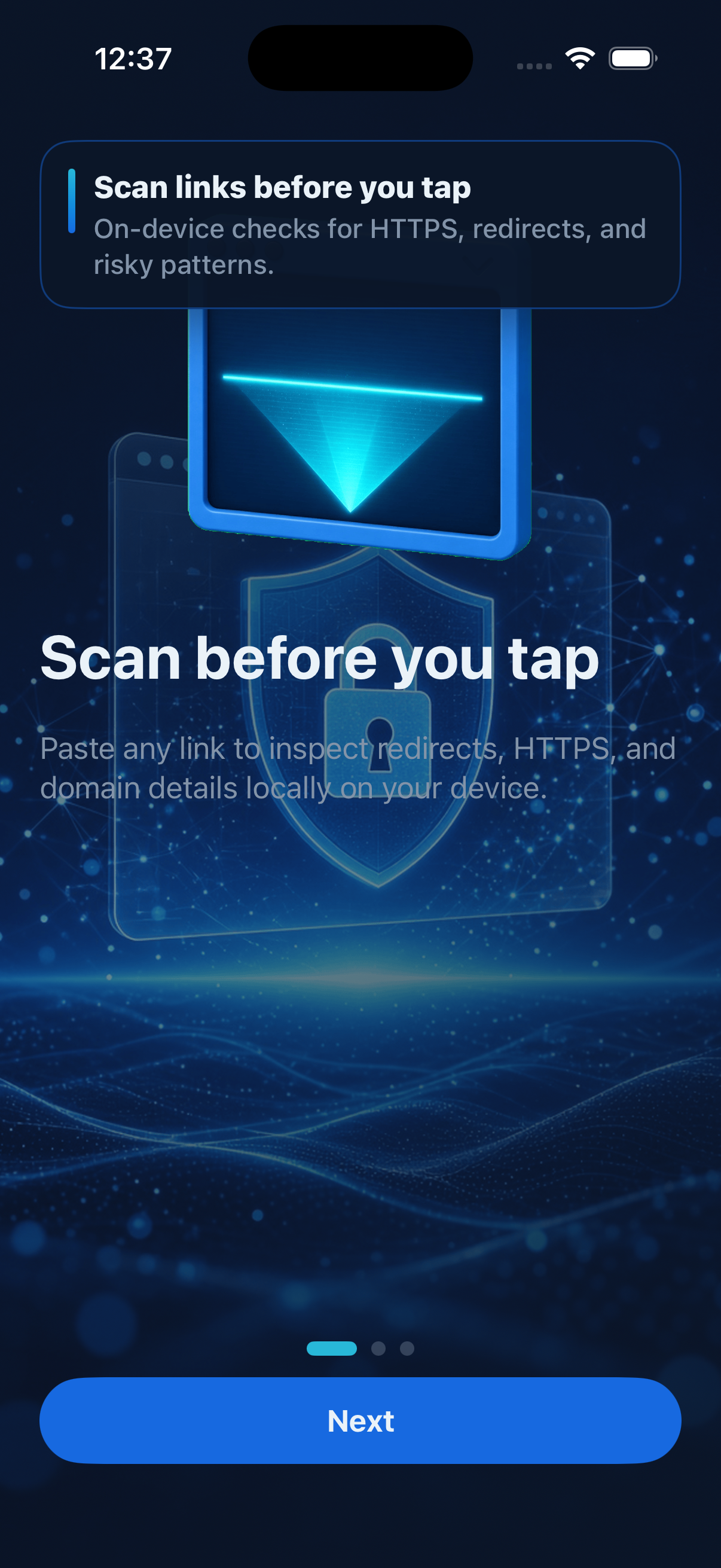
Scan before you tap
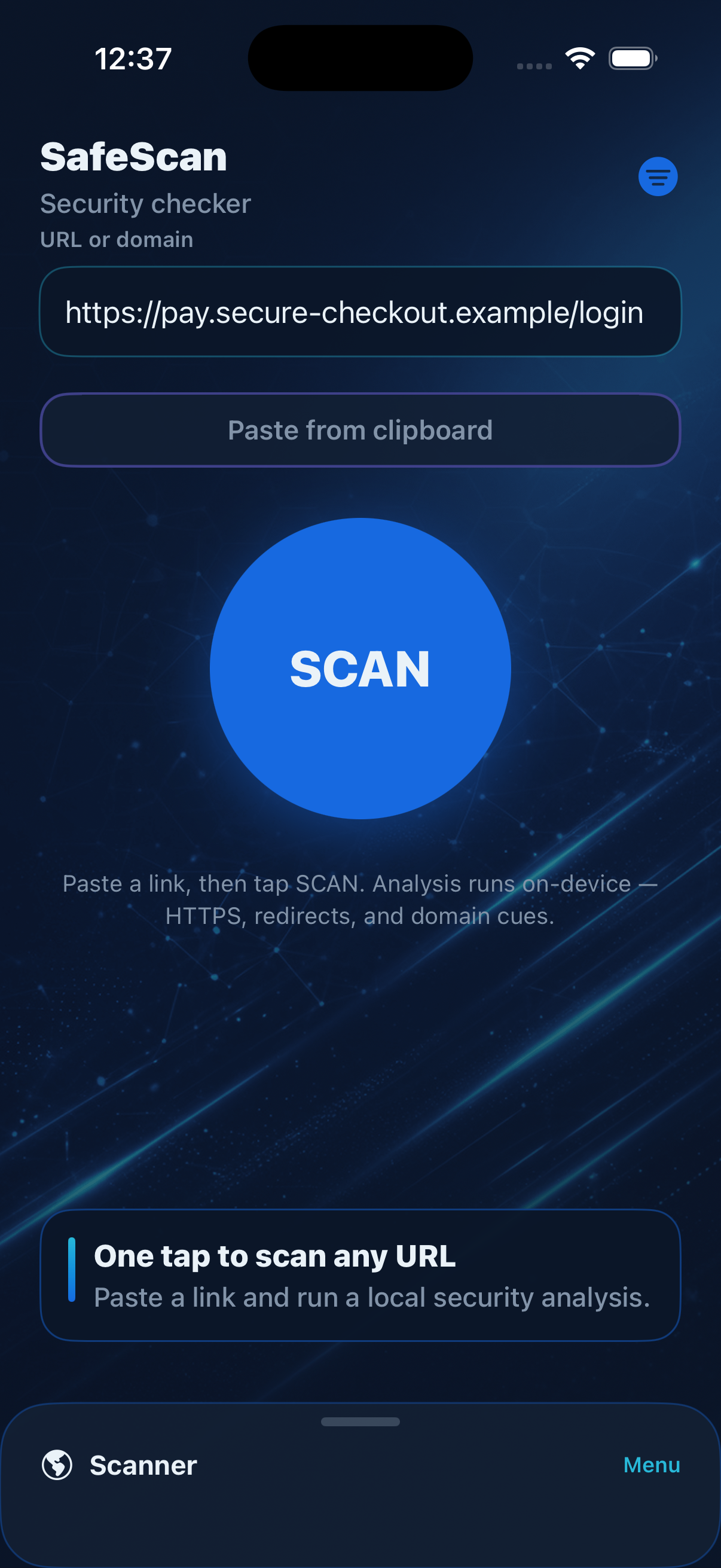
Paste any URL or share from Safari. SafeScan follows redirects locally and summarizes HTTPS status, final domain, and hop count in one report.

Messages and posts often hide the real destination behind shorteners and redirects. SafeScan runs analysis on your iPhone or iPad and presents a readable report before you commit to opening a page.
Three focused workflows from paste to safe preview.
Paste any URL or share from Safari. SafeScan follows redirects locally and summarizes HTTPS status, final domain, and hop count in one report.
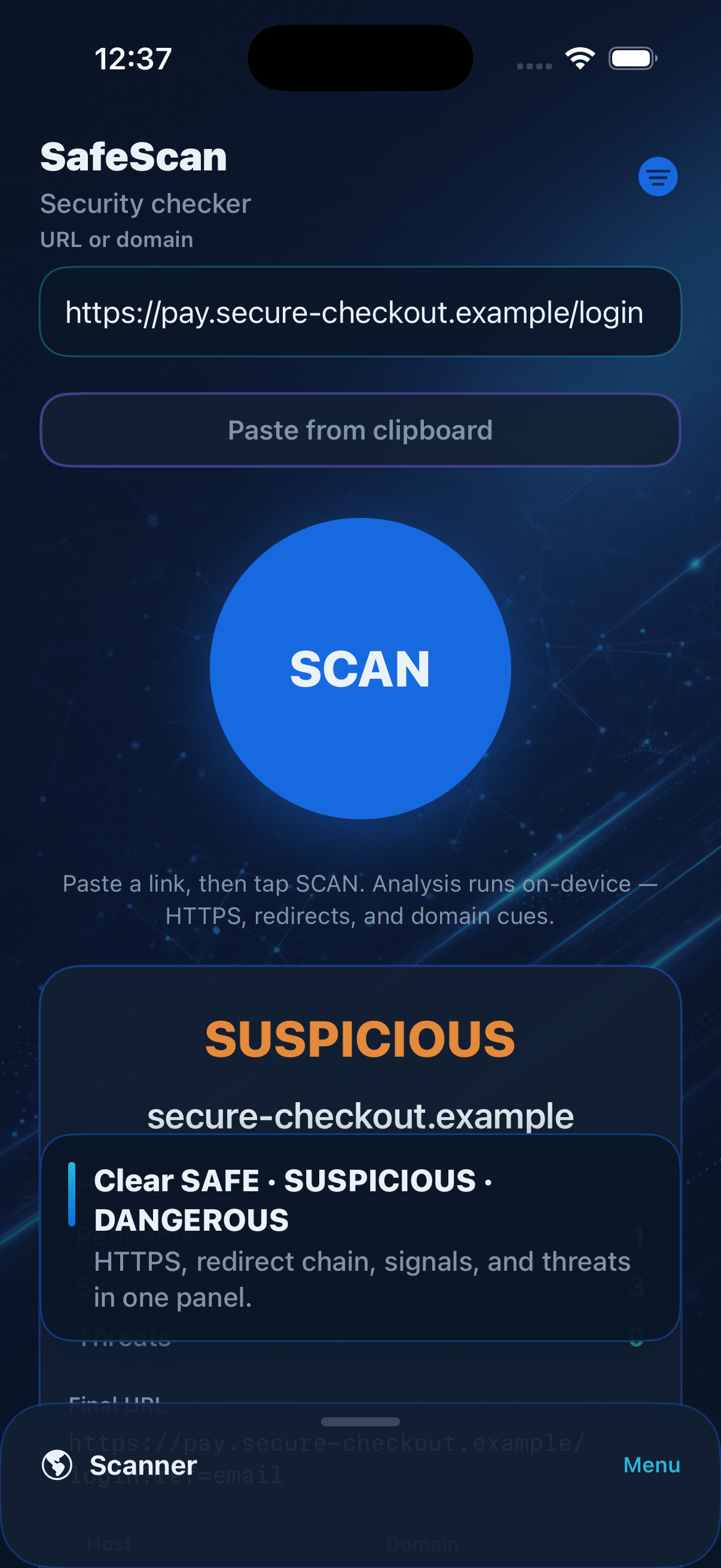
Reports highlight punycode traps, raw IP destinations, long redirect chains, and other common phishing cues so odd links stand out quickly.

Review findings in a sandboxed viewer with optional HTTPS-only mode, keep scan history on your device, and queue links from the Share extension.
Onboarding, scan hub, and detailed results.
Privacy and contact on this page for App Store compliance.
Effective date: October 30, 2026
SafeScan is developed to help you inspect links before opening them. The app processes URLs you submit for scanning on your device. Scan reports and history entries are stored locally on your iPhone or iPad unless you delete them in Settings.
SafeScan does not sell personal data. Network requests during a scan are used to follow redirects and evaluate the link you asked to check. We do not use your scan history for advertising profiles.
If you contact us by email, we use your message only to respond to your request.
Questions about this policy: use the Support section below.
Need help with SafeScan, scan results, or the Share extension?
Email us at serhiiponomarenko@domusmetaltov.org and include your iOS version and a short description of the issue. We typically reply within a few business days.
For urgent security concerns about a specific link, include the URL you scanned (redact personal tokens if needed).